What is Phishing Email Understanding the Cyber Threat
In the digital era, cybercriminals constantly develop new techniques to steal sensitive information, and phishing emails remain one of the most common cyber threats. Phishing emails are fraudulent messages designed to trick recipients into providing personal details such as passwords, banking information, or credit card numbers. These emails often appear to come from trusted sources, making them dangerous for individuals and businesses alike.
How Does a Phishing Email Work?

Phishing emails rely on deception to manipulate recipients. They typically follow a pattern:
- Impersonation of a Legitimate Source – Attackers disguise emails to look like they are from banks, social media platforms, or well-known companies.
- Urgent or Alarming Content – The message may claim suspicious activity, an account suspension, or an overdue payment to create panic.
- Fake Links or Attachments – Clicking on a malicious link redirects the user to a fraudulent website that steals login credentials, while attachments may contain malware.
- Request for Personal Information – The email may ask for sensitive data under the pretense of security verification.
Common Types of Phishing Email
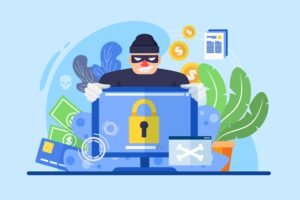
- Spear Phishing – Targeted attacks on specific individuals or businesses, often using personal details for credibility.
- Whaling – Aimed at high-level executives or decision-makers in an organization.
- Clone Phishing – A duplicate of a genuine email with altered links or attachments to spread malware.
- Vishing (Voice Phishing) – Scammers use phone calls to extract sensitive information.
- Smishing (SMS Phishing) – Fraudulent text messages designed to steal credentials.
How to Identify a Phishing Email?
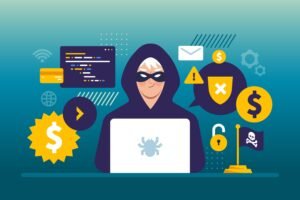
- Check the sender’s email address – Look for subtle misspellings or unusual domains.
- Hover over links – Without clicking, inspect where the link leads. Fake URLs often contain slight misspellings.
- Look for grammatical errors – Many phishing emails have poor language and formatting.
- Verify requests for sensitive data – Legitimate companies do not ask for passwords via email.
- Be cautious of urgent requests – Scammers use urgency to rush decisions.
How to Protect Yourself from Phishing Emails?
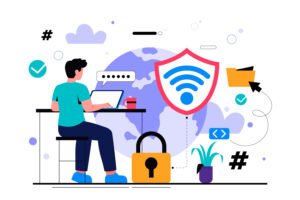
- Enable two-factor authentication (2FA) for extra security.
- Keep antivirus software and firewalls updated.
- Do not click on suspicious links or attachments.
- Use Virus Total to scan malicious links, domain names, IP addresses and attachments.
- Report phishing emails to your email provider or cybersecurity authorities.
Conclusion
Phishing Email is a significant cybersecurity threat, but awareness and caution can help prevent falling victim. By recognizing suspicious emails and following security best practices, individuals and businesses can safeguard their personal and financial data from cybercriminals. Stay alert, think before you click, and always verify the source of an email before taking action.